Improving Web Accessibility for Level the Curve 2026
Overview
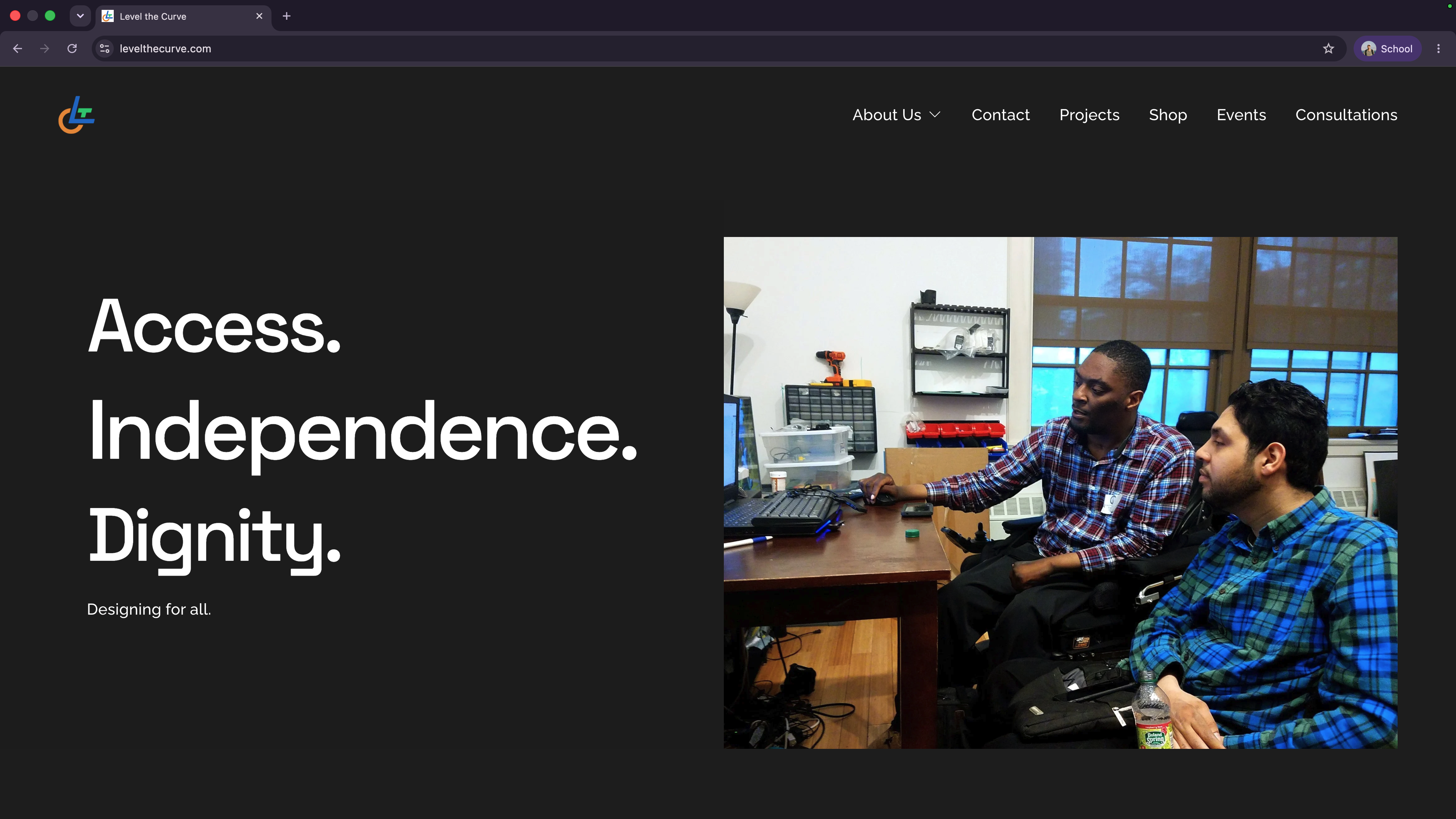
Level the Curve develops assistive technology that helps people with disabilities achieve greater independence in everyday life.
As part of NYU’s Everyday Assistive Technology VIP team, I identified accessibility barriers and worked on practical improvements guided by WCAG 2.2. The goal was to improve the existing website while working within Squarespace’s constraints, without an unnecessary redesign or rebuild.
Tools and skills: Squarespace, WCAG 2.2, accessibility auditing, semantic HTML, and content accessibility.
The Challenge
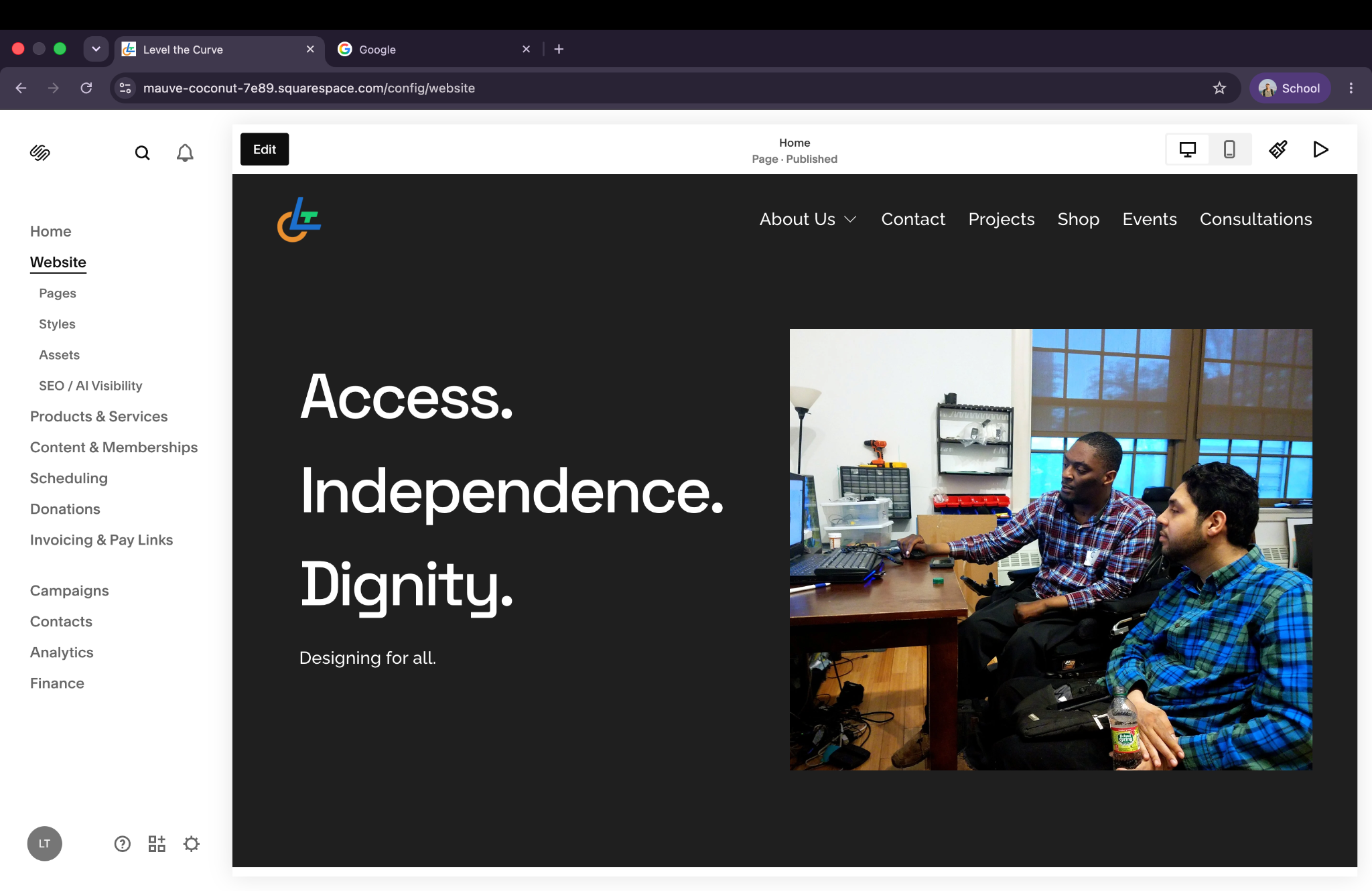
How might we make an existing assistive technology website more accessible without rebuilding it from scratch?
The initial audit identified generic or missing meaningful alternative text, repeated and ambiguous navigation labels, inconsistent heading hierarchy, and embedded forms and e-commerce interactions that needed further accessibility testing.
These barriers matter especially on a website whose products and projects serve people who may rely on assistive technologies.
Accessibility Audit
I conducted the initial accessibility audit on , reviewing Level the Curve’s public pages against relevant WCAG 2.2 Level A and AA success criteria.
The main findings were generic or filename-based image alternatives, inconsistent heading hierarchy, and repeated “Learn more” links. Relevant criteria were 1.1.1 (Non-text Content), 1.3.1 (Info and Relationships), 2.4.6 (Headings and Labels), and 2.4.4 (Link Purpose, In Context).
I also flagged embedded forms and Squarespace Commerce controls and feedback for manual testing against 3.3.1 (Error Identification), 3.3.2 (Labels or Instructions), 4.1.2 (Name, Role, Value), and 4.1.3 (Status Messages). These were verification tasks, not confirmed failures or completed fixes.
Implementation
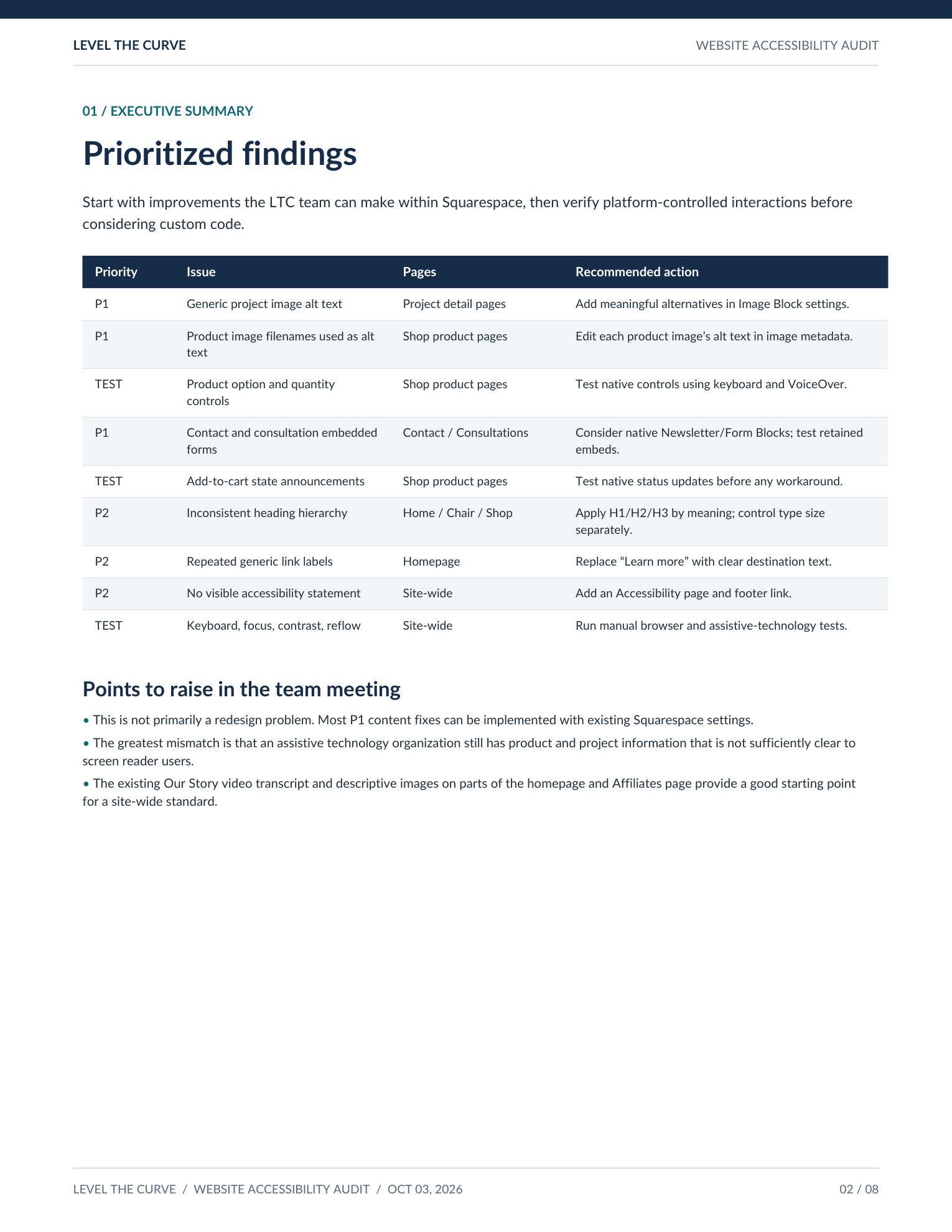
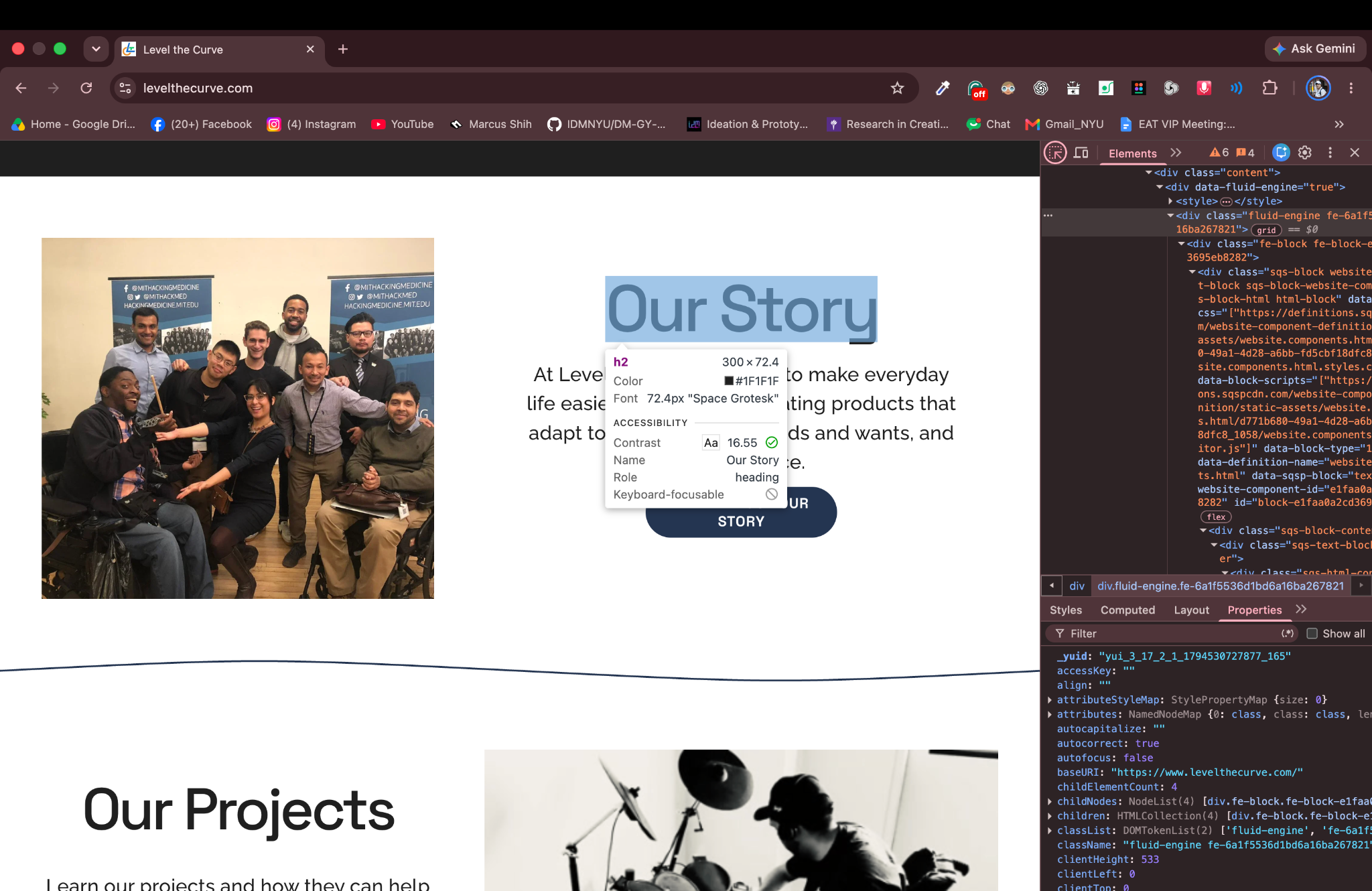
The audit identified inconsistent heading hierarchy. I updated “Our
Story” to Heading 2 in Squarespace, then inspected the live page in
Chrome DevTools to verify that it rendered as an h2 element
with the role of heading.
The screenshots document editing and verification of this heading. The contrast reading applies only to the inspected heading; it does not establish site-wide WCAG compliance.
Improving Image Accessibility
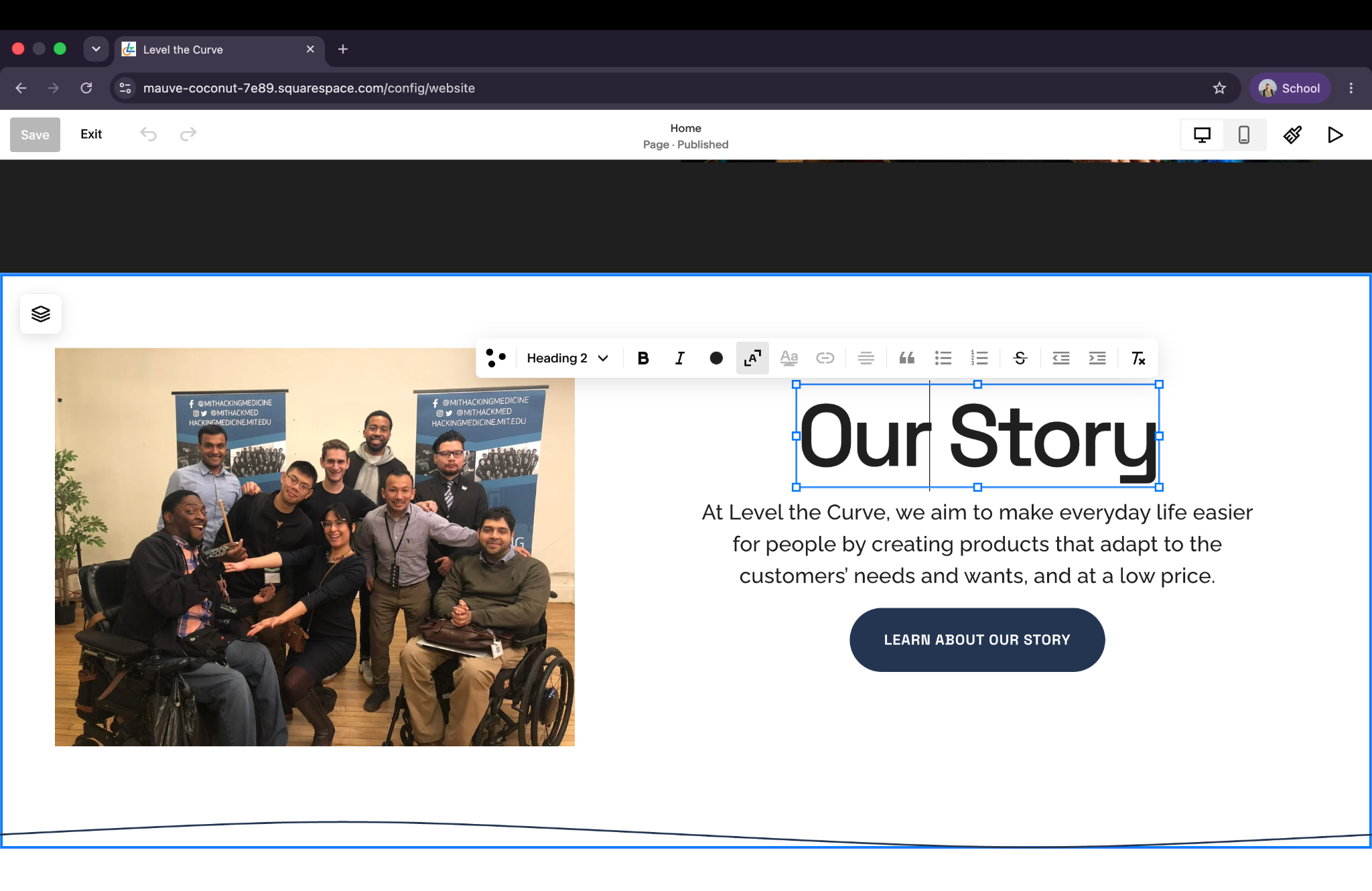
Some project images used generic alternative text such as “Image,” while some product images used filenames. These labels gave screen reader users little information about the products or how they were used.
I worked on descriptions that communicate appearance, functionality, and usage context. The original audit documented this example:
Before: “Image”
Suggested improvement: “Eli Ramos using the Vulcan Grip to hold a drumstick while playing electronic drums.”
This description is an audit recommendation; deployment of this specific change has not been verified.
Relevant guideline: WCAG 1.1.1 — Non-text Content
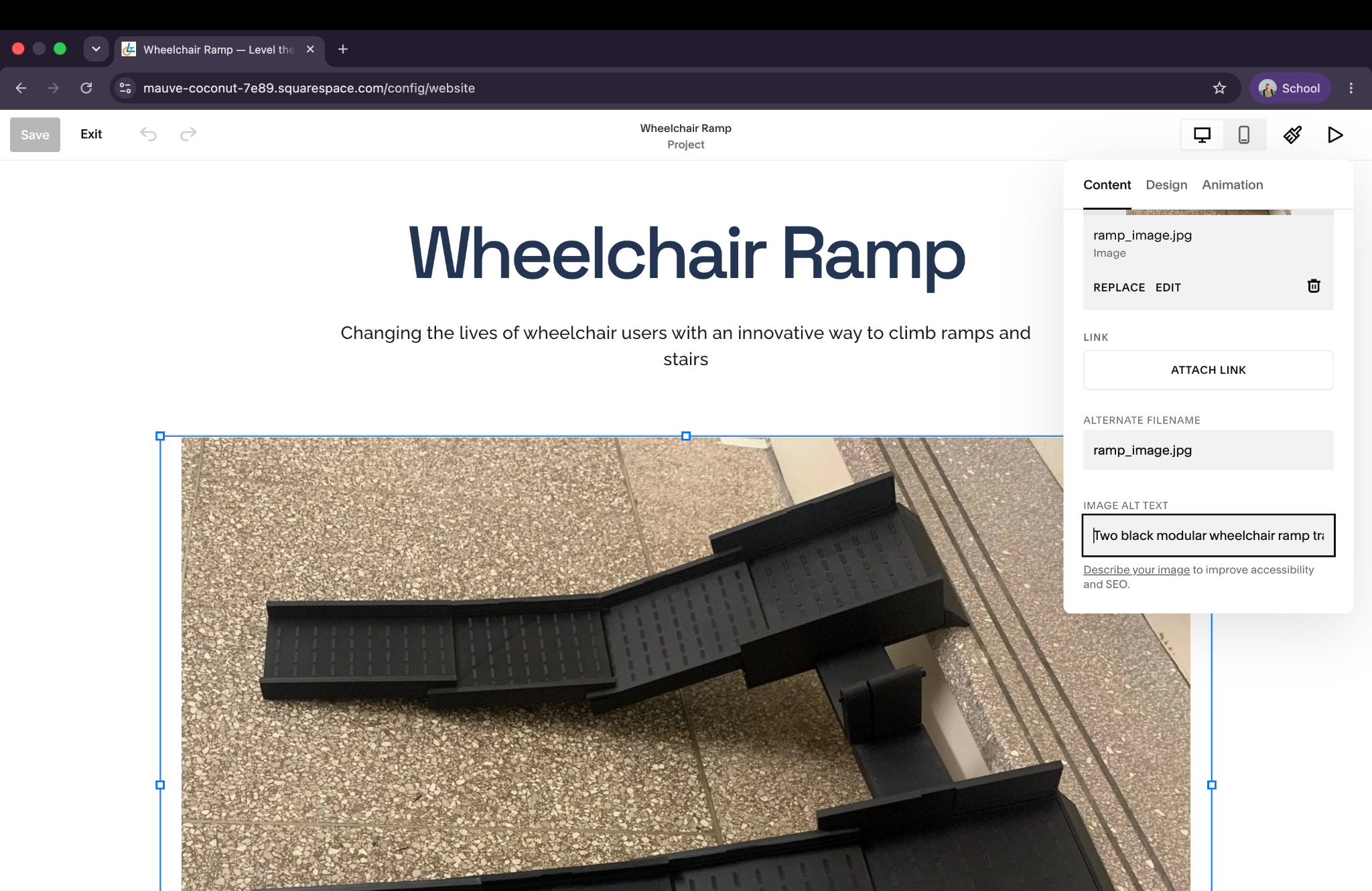
In Squarespace, I also worked on alternative text for the Wheelchair Ramp project image. The settings panel below documents that work; the full description is not visible in the screenshot.
Improving Link Clarity
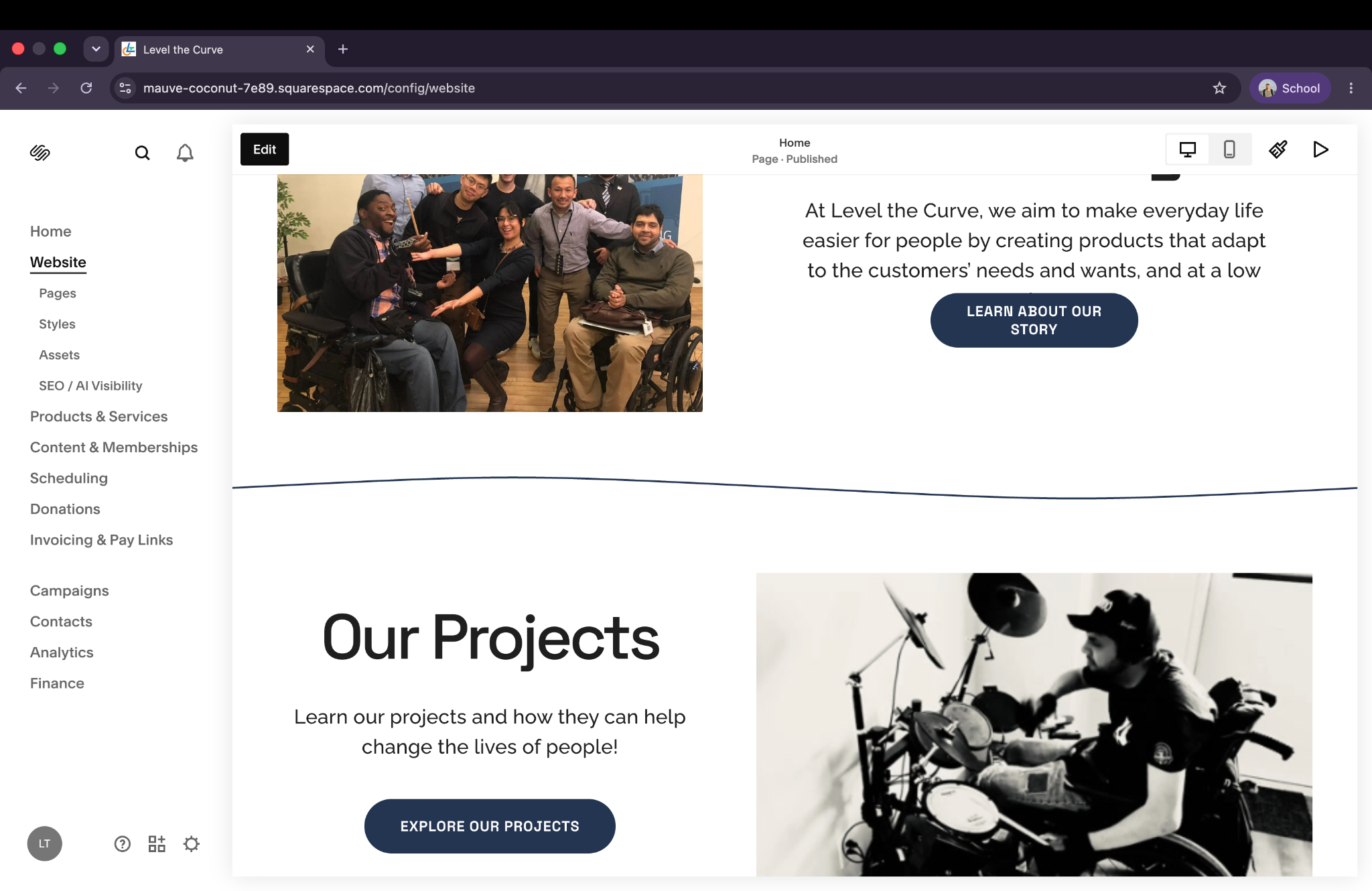
The homepage included repeated “Learn more” links. In a screen reader’s list of links, those labels were difficult to distinguish without surrounding context.
The labels were updated to communicate their destinations more clearly:
Before: “Learn more” / “Learn more”
After: “Learn about our story” / “Explore our projects”
Relevant guideline: WCAG 2.4.4 — Link Purpose (In Context)
Content Structure & Platform Constraints
Beyond the heading change documented above, the audit identified broader heading hierarchy issues and concerns involving embedded forms and Squarespace’s native e-commerce components.
I explored solutions through existing CMS features while distinguishing content-level improvements from platform-controlled interactions. Keyboard navigation and screen reader feedback still require additional testing; these issues are not documented as fully resolved.
Reflection
This project reinforced that accessibility extends beyond visual design. Meaningful improvements often come from content structure, semantic information, and how people interact with a website through assistive technologies.
Working within Squarespace helped me prioritize accessibility needs alongside implementation constraints, maintainability, and the needs of an existing organization.
